If you’re trying to figure out how to choose a language learning app for kids, this guide is meant to save you from downloading three apps, paying for two subscriptions, and realizing a week later that none of them does what your child actually needs. I’m sharing the things I look for when comparing bilingual learning apps for kids, language learning websites for kids, and even online language tutoring for kids, including the signs of a good language learning app, the things that make me immediately say no, and how to know when an app simply isn’t enough.
Because here’s what I’ve learned: there is no single “best” language app for every child. A preschooler learning their first Spanish words needs something completely different from a bilingual kid who understands everything but refuses to speak Spanish, and both need something different from a teenager who wants to improve conversation skills or work toward an academic goal. The right tool depends on what you are trying to accomplish in the first place.
My husband and I still argue about who had it harder growing up without screens. My version of the story is always the same: we fought with our siblings over whose turn it was on the bike, read whatever we could get our hands on, and television was rationed because our parents were convinced too much of it would ruin our eyes.
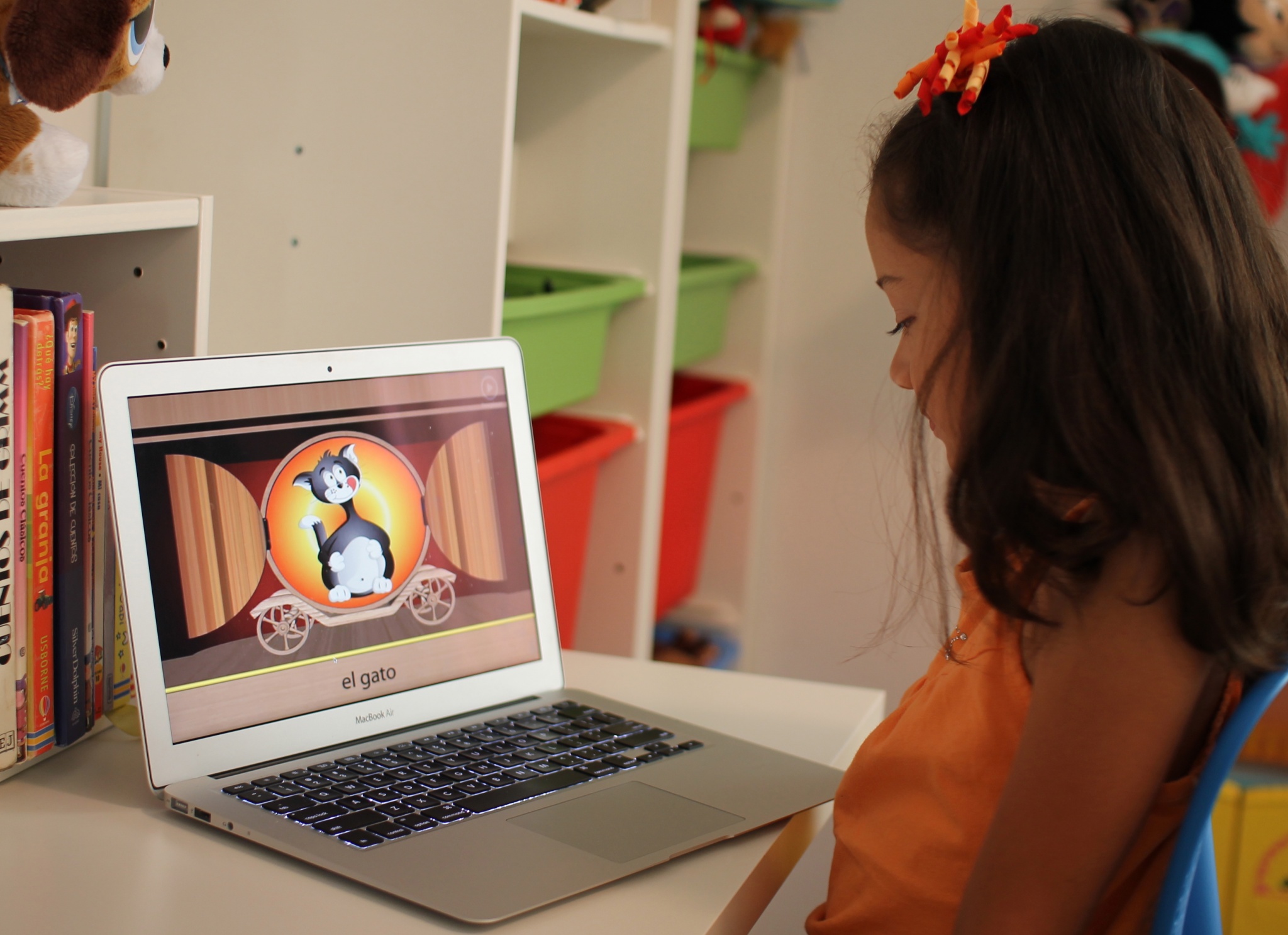
Now the fight in my house has often been over whose turn it is on the iPad. The irony is that I don’t automatically want my kids off a screen. If they’re going to be on one anyway, I’d much rather some of that time help them learn something, especially something as important to our family as language.
The problem with most “best language apps” lists, including our own guide to the best apps for learning Spanish for kids, is that they usually answer which app? before parents have answered a much more important question: what makes an app right for my child?
If you don’t know what you’re looking for, a list of twenty apps is just twenty more decisions to make. So this is the checklist I use before I start worrying about brand names.
How to Choose a Language Learning App for Kids: Start With the Goal
Before I download anything, I ask myself what problem I’m actually trying to solve. This sounds obvious, but it changes everything.
Is your child completely new to the language and learning basic vocabulary? Are you trying to reinforce a language you already speak at home? Does your child understand the language but need confidence speaking it? Are you looking for reading and grammar practice? Or are you hoping an app will somehow turn thirty minutes of screen time into bilingualism?
That last one is where expectations can get a little unrealistic.
An app can be a fantastic tool, but for us language has never lived inside an app. It lives in conversations, music, family, travel, books, jokes, food, movies and all those everyday moments when a child has a reason to use it. That’s especially important if you’re trying to keep a heritage language and culture alive, because the goal is so much bigger than memorizing vocabulary.
We have used technology as one piece of a much larger puzzle. That’s also why I’ve always approached raising bilingual and bicultural kids as something that happens throughout family life, not during one designated “Spanish lesson.”
Signs of a Good Language Learning App for Kids
Once I know what I need the app to do, I start looking at how it teaches. Bright graphics and cute characters can get a child’s attention, but they don’t tell me much about whether the language instruction underneath is any good.
These are the things I care about far more than whether an app has adorable animated animals or an impressive streak counter.
The Language Needs to Be Accurate and Natural
This is the first thing I check because an app that teaches something incorrectly is not saving me time. It’s creating something I’m going to have to unteach later.
With Spanish, I also pay attention to regional differences. There isn’t just one Spanish spoken everywhere, and I don’t expect an app to pretend there is. I want to know whether it leans toward Latin American Spanish, Spain Spanish or a particular regional vocabulary, and I want those differences treated as differences, not as one version being “wrong.”
If you’re raising a bilingual child, this matters even more because the language your child hears from an app should not constantly contradict what they hear from their family.
Language development is rarely perfectly linear either. Kids mix languages, prefer one language for a while, suddenly make huge jumps and sometimes seem to go backward before moving forward again. If that part of the journey is making you crazy, my article about the benefits and challenges of second language acquisition goes much deeper into what that process can look like.
Words Should Be Taught in Context
I don’t want an app that only shows my child a picture of a dog and asks them to match it to perro fifty times.
Vocabulary practice has its place, especially for beginners, but eventually I want kids hearing words inside sentences, conversations, songs and stories. That’s how they’re going to encounter the language in real life.
If every lesson is basically flashcards wearing a different costume, I start wondering how much actual language learning is happening underneath all the swiping.
One reason I like story-based language activities is that children can often figure out meaning from what is happening around a word instead of stopping to translate everything. That is a much more natural way to build comprehension.
I Want to Hear Real, Natural Speech
Audio matters enormously to me. If my child is learning how a word sounds from an app, I want natural human speech from fluent speakers, not a robotic voice that makes every sentence sound exactly the same.
I listen before subscribing whenever possible. Does the speaker sound natural? Is the audio clear? Are kids hearing complete sentences or just isolated words? Are there opportunities to hear different voices?
And I don’t panic if the accent isn’t exactly the same as ours. Hearing different accents can be a good thing. I just want the pronunciation itself to be clear and natural.
The App Should Be Easy Enough for a Child to Use Independently
This is one of my fastest tests: after I show my child how the app works once, can they use it without calling me every three minutes?
If the whole point is to give them a little independent learning time and I have to sit beside them navigating menus, closing pop-ups and explaining what they’re supposed to click next, the app is creating more work for me instead of less.
Good children’s design shouldn’t mean more animation. It should mean less friction.
The instructions should be obvious, navigation should be simple, and younger kids shouldn’t need advanced reading skills just to figure out how to start a lesson.
There Should Be Real Progression, Not Just More Games
One of my biggest frustrations with educational apps is when they look as if they’re progressing because my child keeps unlocking new levels, but the learning itself barely changes.
I want to see vocabulary and concepts build on each other. A child who starts with colors, animals and greetings should eventually be using those words in sentences and understanding more complex language.
Stars, badges and streaks can be great motivation. My kids are certainly not immune to them. But rewards should support learning, not replace it.
If a child can collect five hundred points without being able to tell you anything they learned, the game mechanics are doing a lot more work than the educational content.
Bilingual Learning Apps for Kids Need to Fit the Language You Use at Home
This is something I think generic app reviews often miss.
If you’re using an app to help raise a bilingual child, you’re not necessarily starting from zero. Your child may understand grandma perfectly but answer her in English. They may know the names of every food you cook at home but have no idea how to talk about dinosaurs in Spanish because all their dinosaur books and school lessons are in English.
That’s a very different learner from a child encountering Spanish for the first time.
For a bilingual child, I look for apps that expand vocabulary and give them reasons to produce language, not just recognize it. I also want content that respects the fact that knowing two languages isn’t a problem that needs fixing.
This becomes especially important for children who learn or communicate differently. We’ve had our own experiences navigating language development, and I feel strongly that families shouldn’t assume bilingualism has to disappear the minute a child has a speech or developmental challenge. I share much more about that in why bilingualism can still matter when a child has a speech delay.
Language Learning Websites for Kids Can Be Better Than Apps for Some Things
I don’t automatically choose an app just because it’s newer or prettier. Sometimes a good old-fashioned website is more useful.
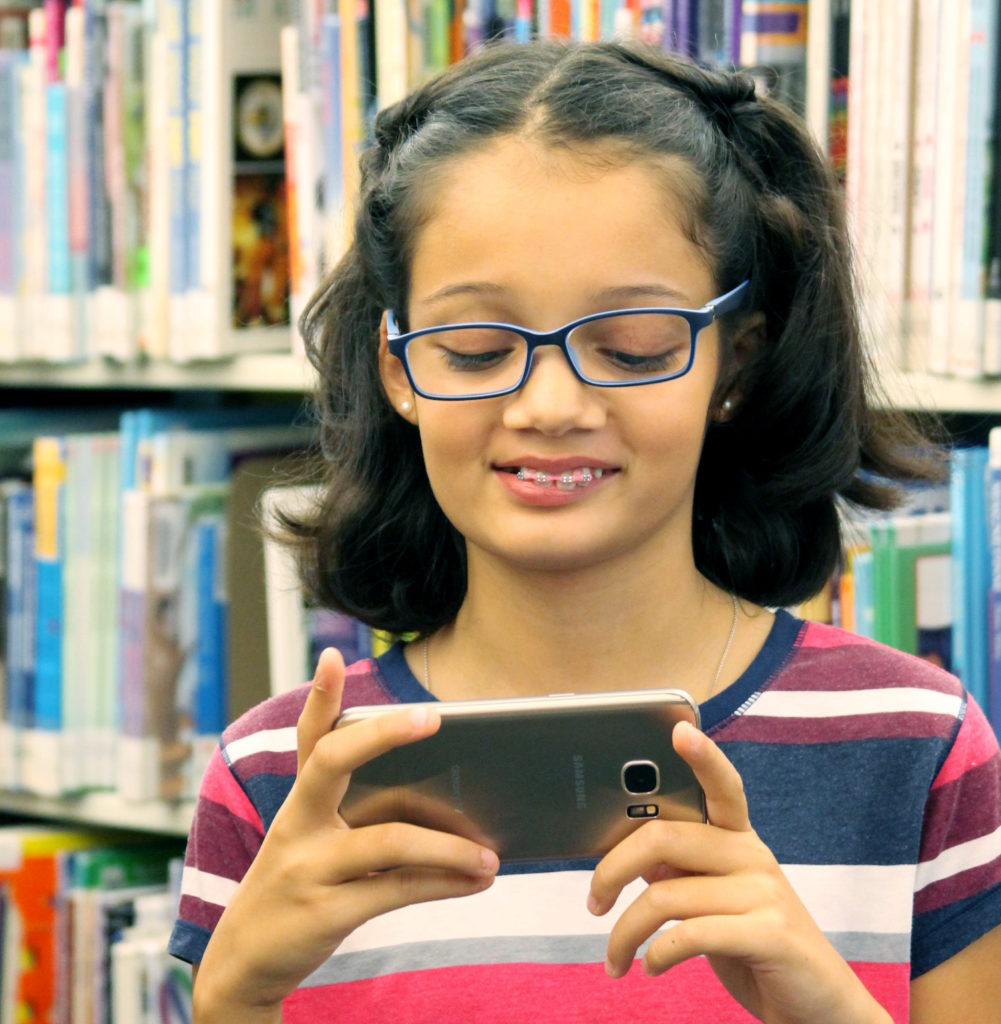
Language learning websites for kids can be especially good when you want printable activities, longer stories, grammar explanations, videos or materials you can use together instead of handing over a phone.
They can also be easier to use on a laptop, which I prefer for some kinds of schoolwork because there is more space and fewer opportunities to disappear into another app with one swipe.
I’ve kept a running collection of websites and apps for bilingual kids because sometimes the best resource isn’t the newest one. A simple site with useful stories or activities may do exactly what your child needs.
If you want a broader starting point beyond apps, my bilingual education resources for families and educators also brings together years of articles on bilingualism, language learning and raising kids with more than one language.
Pay Attention to What the App Does When Your Child Gets Something Wrong
I learn a lot about an educational app by deliberately answering something incorrectly.
Does it just make an unpleasant noise and move on? Does it show the correct answer immediately? Does it let the child listen again? Does it give them another chance? Does it explain why the answer was wrong if they’re old enough to understand an explanation?
Mistakes are where a lot of learning happens, so I want the app to do something useful with them.
I also don’t love apps that make children feel as if every mistake is a failure. Language learning involves making approximately a million mistakes. You mispronounce something, use the wrong verb, forget a word, accidentally say something hilarious and try again. An app should make that feel normal.
Privacy, Ads and Parental Controls Matter More Than the Cute Characters
Before an app goes on my kids’ devices, I look at what else comes with it.
Are there ads? Can a child click out of the app? Is there chat or messaging? Is there a community feature? Can they accidentally buy something? Is there a parent area where I can see what they’re doing without hovering over them?
I’m especially cautious with apps designed for young children that include social features they don’t really need. A seven-year-old does not need an unmoderated chat room in order to practice vocabulary.
I also look at whether a free version is genuinely usable or whether every thirty seconds leads to another screen asking me to upgrade. I’d rather know upfront that something costs $8 a month than spend twenty minutes watching my child repeatedly hit locked content.
Check the Technology Before You Pay for a Subscription
This sounds boring compared with vocabulary games and animated characters, but it matters in real life.
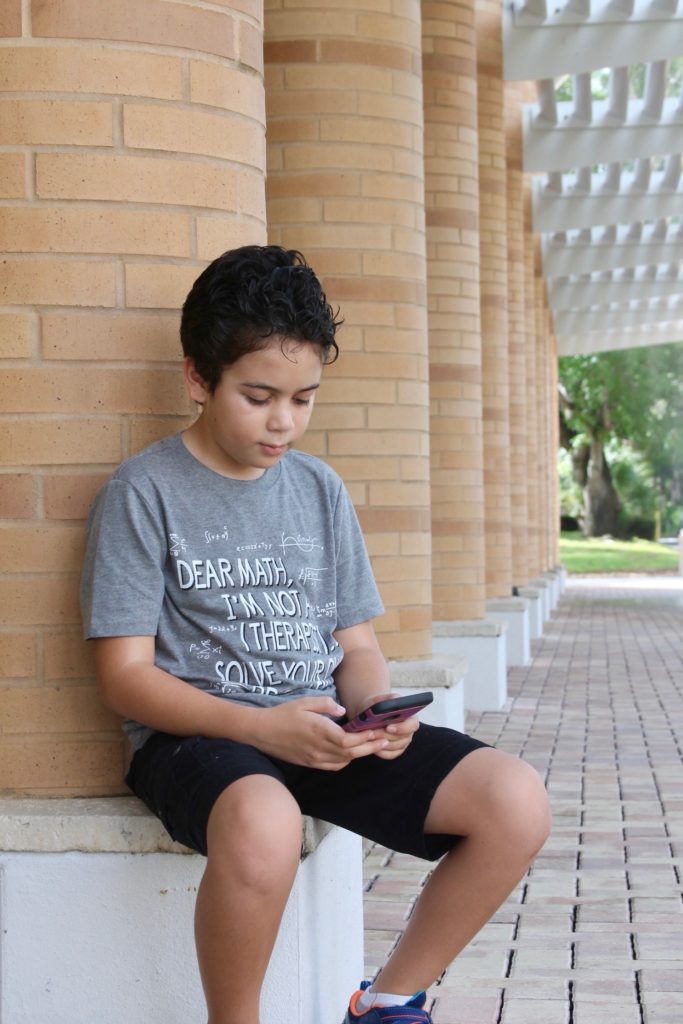
Does the app work on the device your child actually uses? Can lessons be downloaded for offline use? Does it require constant video streaming? Can the same subscription be used by siblings? Does it remember progress across devices?
For us, this becomes even more important when we’re traveling. There have been plenty of times when the question wasn’t which app had the best interface but whether I could find reliable internet near me so a lesson would load at all. An app that depends on a perfect connection isn’t very useful if you need something that can work in the car, at an airport or somewhere with spotty Wi-Fi.
If you know you’ll be using a language app while traveling, offline access is one of the first features I’d check.
When Online Language Tutoring for Kids Makes More Sense Than Another App
This is the big limitation of even very good language apps: eventually kids need another human being.
An app can help with vocabulary, listening, reading and repetition. What it can’t fully recreate is the unpredictability of a real conversation. A person asks something you weren’t expecting. You don’t know a word. You have to explain it another way. They misunderstand you. You try again.
That’s language.
If your child understands quite a bit but freezes when someone speaks to them, needs help with pronunciation, wants more conversation practice or has a specific academic goal, online language tutoring for kids may give you more value than adding yet another app subscription.
That’s why I include Preply in my guide to Spanish learning apps for kids, even though it isn’t really an app in the same sense as a game-based program. It connects kids with a live tutor, so it fills a completely different gap.
I don’t think it has to be apps or tutoring, either. They can work beautifully together. An app can provide short daily practice while a tutor gives a child a reason to actually use what they’ve learned.
For Older Kids, Look Beyond Gamified Language Apps
What works beautifully for a seven-year-old can feel ridiculous to a fifteen-year-old.
Older kids and teenagers often need a clearer reason for learning. Maybe they want to travel, pass a class, prepare for an exam, improve their writing or reach a specific level of proficiency.
At that point, I look for structured lessons, real feedback and clear progression instead of just more badges and animated celebrations.
The important thing is matching the tool to the goal. A child trying to learn ten new animal words and a teenager preparing for an academic language requirement should not be using the same criteria to choose a program.
Don’t Ignore Whether Your Child Actually Likes It
I can research an app to death. I can read every review, compare every feature and decide that, on paper, this is clearly the best possible choice.
And then my child can hate it.
That matters.
Kids learn differently, and they are motivated by different things. One child loves competition and streaks. Another shuts down the second something feels timed. One loves songs. Another thinks songs are painfully babyish. One wants stories and characters. Another wants to get in, finish the lesson and get out.
I don’t think we need to let kids dictate every educational decision, but if you’re choosing between two solid programs and your child is excited about one of them, I’d pay attention to that.
Consistency matters enormously in language learning, and the “perfect” app your child refuses to open isn’t going to be nearly as useful as the very good one they willingly use four times a week.
How Long Should You Test a Language App Before Paying?
I don’t buy annual subscriptions after one enthusiastic afternoon.
Kids love novelty. A new app can be the most exciting thing that has ever happened to them on Tuesday and completely forgotten by Friday.
If there’s a free trial, I use it. I want to see what happens after the novelty wears off. Does my child still open it without being reminded? Are the lessons becoming more challenging? Am I seeing new material or just different versions of the same activity?
I also sit with my child for at least a couple of sessions. Not because I plan to supervise every lesson forever, but because I want to know what they’re being taught before I hand it over and assume “educational app” means educational.
How I Compare Spanish Learning Apps for Kids
Spanish is the language we’ve spent the most time reinforcing at home, so I’ve tested and researched a lot of Spanish resources over the years.
If that’s the language you’re working on too, I have two places I’d start after you’ve decided what your child needs. My guide to the best apps for learning Spanish for kids looks at different options by age and type of learning, while this older roundup of Spanish learning apps for kids includes additional programs and ideas for incorporating them into everyday learning.
The point of this article isn’t to convince you there is one app you absolutely need. It’s to give you enough information that you can look at any new app that shows up next month and decide for yourself whether it’s worth your money.
Frequently Asked Questions About Language Learning Apps for Kids
What should I look for in a language learning app for kids?
The best language learning app for your child should match their age, current language level and actual goal. I look for accurate language, natural audio, words taught in context, clear progression, useful feedback, simple navigation and strong privacy controls. Most importantly, I want to see real language practice underneath the games and rewards.
Can a child become bilingual using an app?
I would never expect an app alone to make a child bilingual. Apps can reinforce vocabulary, listening, reading and pronunciation, but kids also need meaningful exposure to real language. Conversation, books, music, family, travel, tutors and everyday interactions all give children something an app can’t: a reason to communicate.
If bilingualism is your larger goal, it’s helpful to think beyond the app itself. My article about raising bilingual children and keeping a language alive shares more of the bigger-picture approach we’ve used.
Are language learning apps good for bilingual kids?
They can be, but I would choose differently for a bilingual child than I would for a complete beginner. A child who already understands a heritage language may not need endless lessons on colors and numbers. They may benefit more from richer vocabulary, stories, reading, conversation practice and activities that encourage them to actually produce the language.
Are language learning websites for kids better than apps?
Not necessarily. I use both. Apps are convenient for short, independent practice, while language learning websites for kids can be better for longer stories, printables, videos, grammar resources and activities you want to do together on a larger screen. The format matters much less to me than the quality of the content.
When should I choose online language tutoring for kids instead of an app?
If your child needs conversation practice, personalized correction, help with pronunciation or support toward a specific goal, a live tutor may be more useful than another app. This is especially true for kids who understand a language but have trouble speaking it. An app and a tutor can also complement each other rather than being an either-or choice.
What are the biggest signs of a good language learning app?
The strongest signs of a good language learning app are that your child is doing more than memorizing isolated words, the language sounds natural, lessons build on each other, mistakes become opportunities to learn, and your child can use the program without constant adult help. I also want the app to be clear about what it teaches and who it is designed for.
How much should I pay for a kids’ language learning app?
I don’t think price tells you very much about quality. Some free resources are excellent, and some expensive subscriptions are basically elaborate flashcards. I compare what the app actually teaches, how often my child will realistically use it and whether we’re paying for features we need. Whenever possible, I use a free version or trial before committing to a longer subscription.
The Best Language App Is the One That Fills a Real Gap
There are more language-learning tools available to parents now than we could ever realistically try, which is both wonderful and completely overwhelming.
That’s why I no longer start by asking, “What is the best language app?” I start with my child.
What do they already know? What are they missing? What motivates them? Where are they getting real-life language exposure? What can I realistically keep up with as a parent?
Once you answer those questions, figuring out how to choose a language learning app for kids becomes much easier. You’re not looking for an app that does everything. You’re looking for one that does the specific thing your child needs well.
And if you download one, try it for a week and discover it isn’t the right fit? Delete it. There is no prize for keeping an educational app your kid hates just because you already paid $7.99 for it.
The goal isn’t to fill your child’s home screen with educational apps. It’s to give them more ways to hear, understand and eventually use another language in a way that feels useful, natural and worth coming back to.

My name is Mar Andres Thomas, and I am a native of Spain. As a young woman I attended school in England, and later, in 1992 I came to the USA to marry my long time love of my life. Together we have a beautiful daughter going to college this Fall.
I have a degree in Liberal Arts, and an MA in Spanish Linguistics. I love teaching Spanish, because it gives me the opportunity to observe how languages are acquired. My other passion is writing, creating teaching material, and traveling all over the world when time permits.
- How to Choose a Language Learning App for Kids (Without Wasting Your Money) - August 9, 2013
- Benefits And Challenges in Second Language Acquisition: Part 2 - July 12, 2013
- Benefits And Challenges in Second Language Acquisition: Part 1 - June 30, 2013


Hi Mar,
I came across your blog and read it through and I agree with what you have written.
I want to tell you how I learnt Spanish. I am not a Latina, but my love for the Spanish language and culture drove me to listen to Spanish songs. Songs are a very easy way to learn a language. Then eventually, that love drove me to make songs for children in Spanish. I know I have a heavy accent, but the project was done with all my heart. Well, that’s my story.
you can check out the songs here:
http://www.youtube.com/jonzovi
Totalmente de acuerdo, no solo hay que buscar sitios de aprendizaje llamativos o divertidos, sino hay que tener en cuenta todos estos puntos que planteaste. Muchas gracias!
If it doesn’t capture the eye and imagination, it won’t capture the attention and retention. BB’s in total accordance w/you there Preciosa. Pero one thing… I still say too much TV is bad for the eyes. I know for sure the computer monitor is getting to mine (no way it can be the años) ; ) BB2U
La verdad que hay mucho de dónde agarrar para aprender en estos días y ojalá sepamos aprovecharlo nosotros con nuestros hijos y vengan mejores generaciones siempre.
A veces me pregunto cómo hubiera sido si en mi época de colegio hubiéramos tenido acceso a Internet! Muy buen post
Lo cierto es que hay que convertir Internet en un medio para aprender, no es fácil ya que los sitios no aptos o bien sitios donde lo menos que ofrecen es un aprendizaje son por lo general coloridos y muy atractivos. Gracias por la reflexión, tomaré en cuenta lo que nos apuntas.
Me gusta mucho, en casa también usamos el internet con juegos interactivos.